
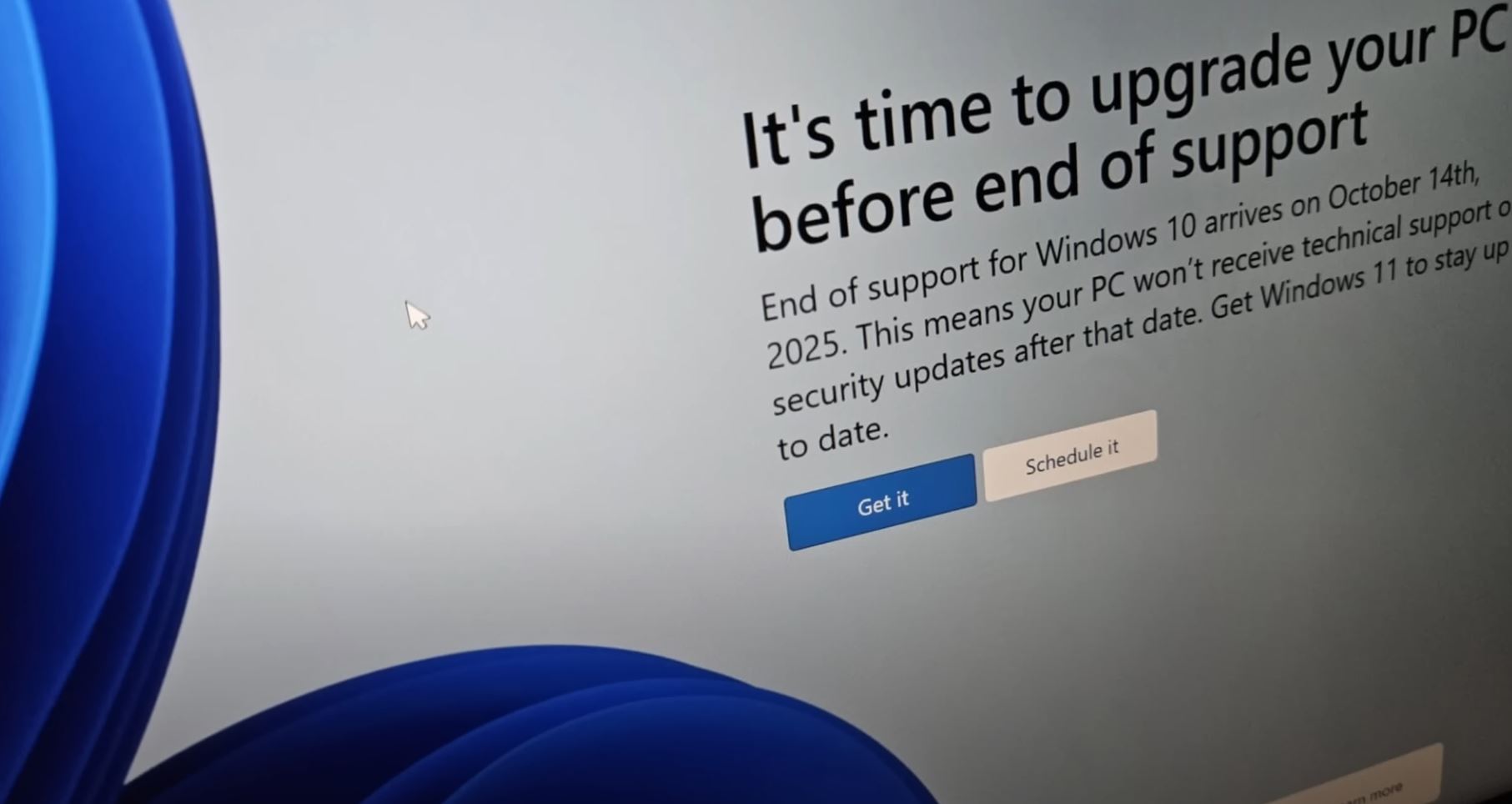
Starting Tuesday, Microsoft will officially retire Windows 10—the operating system that’s powered most Danish PCs for nearly a decade. The move ends regular updates and support for a platform still running on roughly 40 percent of all Windows computers in Denmark.
“It’s still a lot of users,” says Niels de Boissezon, technology editor at Computerworld.dk.
One More Year of Breathing Room
For now, there’s no need to panic. Microsoft has bowed to pressure from consumer groups and agreed to provide free security updates for private users in the EU, Norway, Iceland, and Liechtenstein until October 13, 2026. You’ll need a Microsoft account to receive them.
“That gives an extra year of security updates for free,” de Boissezon explains.
But beyond those patches, Windows 10 will no longer evolve—no support, no new features, no performance improvements. Microsoft’s focus has shifted to Windows 11, which offers stronger security but demands more powerful hardware. Many older machines simply can’t make the jump.
Millions of PCs Headed for the Scrap Heap
The research firm Canalys estimates that around 240 million computers worldwide could be pushed toward obsolescence because they don’t meet Windows 11’s hardware requirements. In Denmark, that could mean hundreds of thousands of functional machines ending up as electronic waste.
“Some users just prefer to stick with what they know,” says de Boissezon. “Others simply can’t upgrade because their hardware doesn’t support it.”
For now, the difference won’t be obvious. But over the next year or two, the lack of ongoing protection will begin to show.
“You won’t have the same defence against malware or viruses,” de Boissezon warns. “The built-in protection will still exist, but it’ll gradually fall behind modern threats.”
What Happens Next
If your computer meets Windows 11’s requirements, the safest move is to upgrade. Microsoft has also hinted that some of the hardware limits can be bypassed, allowing a few older models to make the transition.
If not, you have choices. Buying a new computer is the simplest path, especially for machines seven to ten years old. In business environments, de Boissezon notes, PCs are often considered outdated after four or five years.
Still, many users may find it frustrating to discard a device that technically still works. “You can install an alternative system like Linux,” he says. “It can even make an old computer feel faster—but it means learning something new.”
Bottom Line
Windows 10’s retirement marks the end of an era. For Danish users, the decision is now clear: upgrade, switch systems, or hold on a bit longer before security fades. Either way, one of the most familiar pieces of software in recent history is finally bowing out.